
GIF STORM - Daily Trending GIF
Thousands of trending, funny and love GIFs in HD, ready to share.
- Entertainment
- English
- 5K+ downloads on Google Play

Free to download · Contains ads
The right GIF for every chat
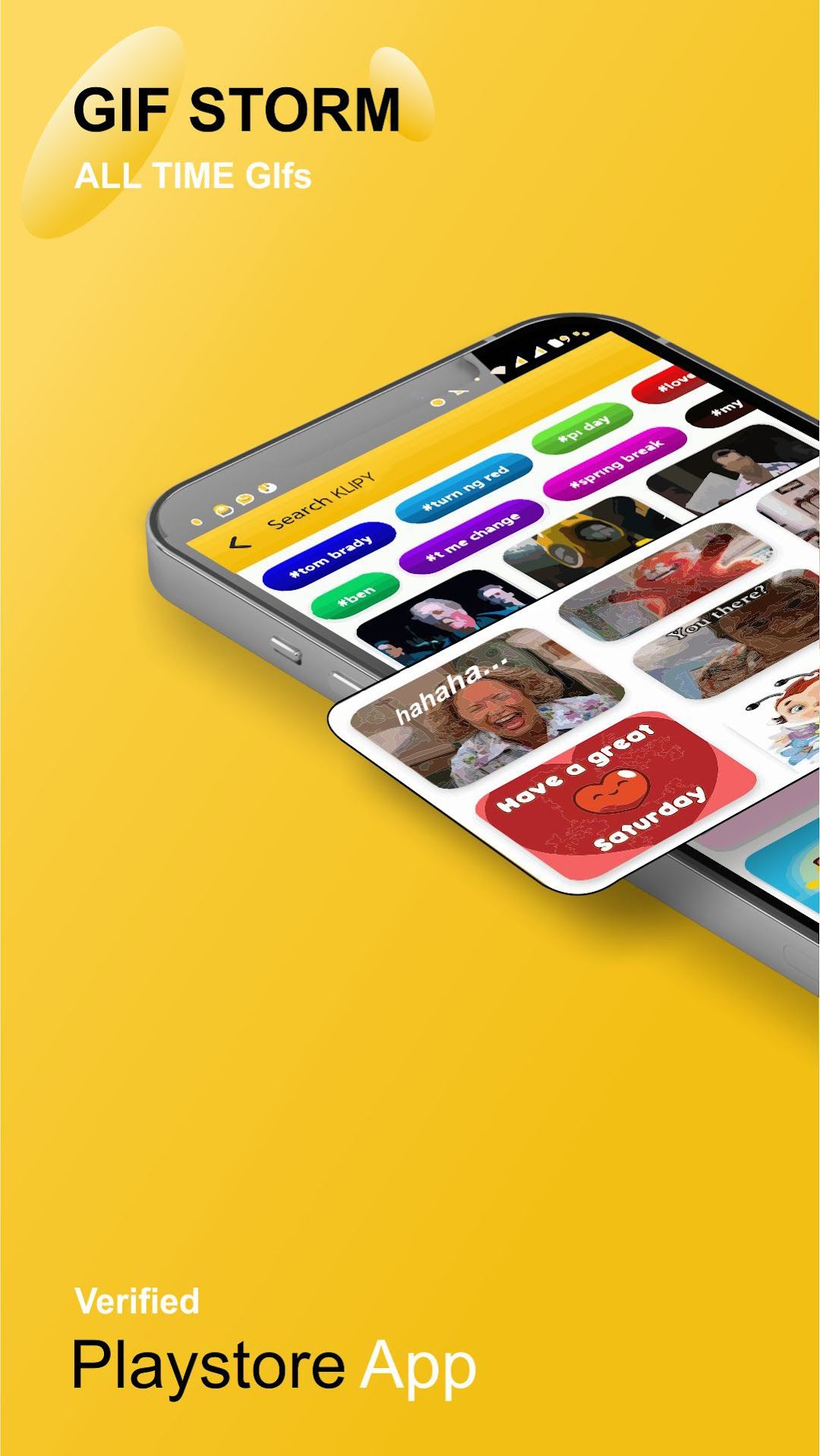
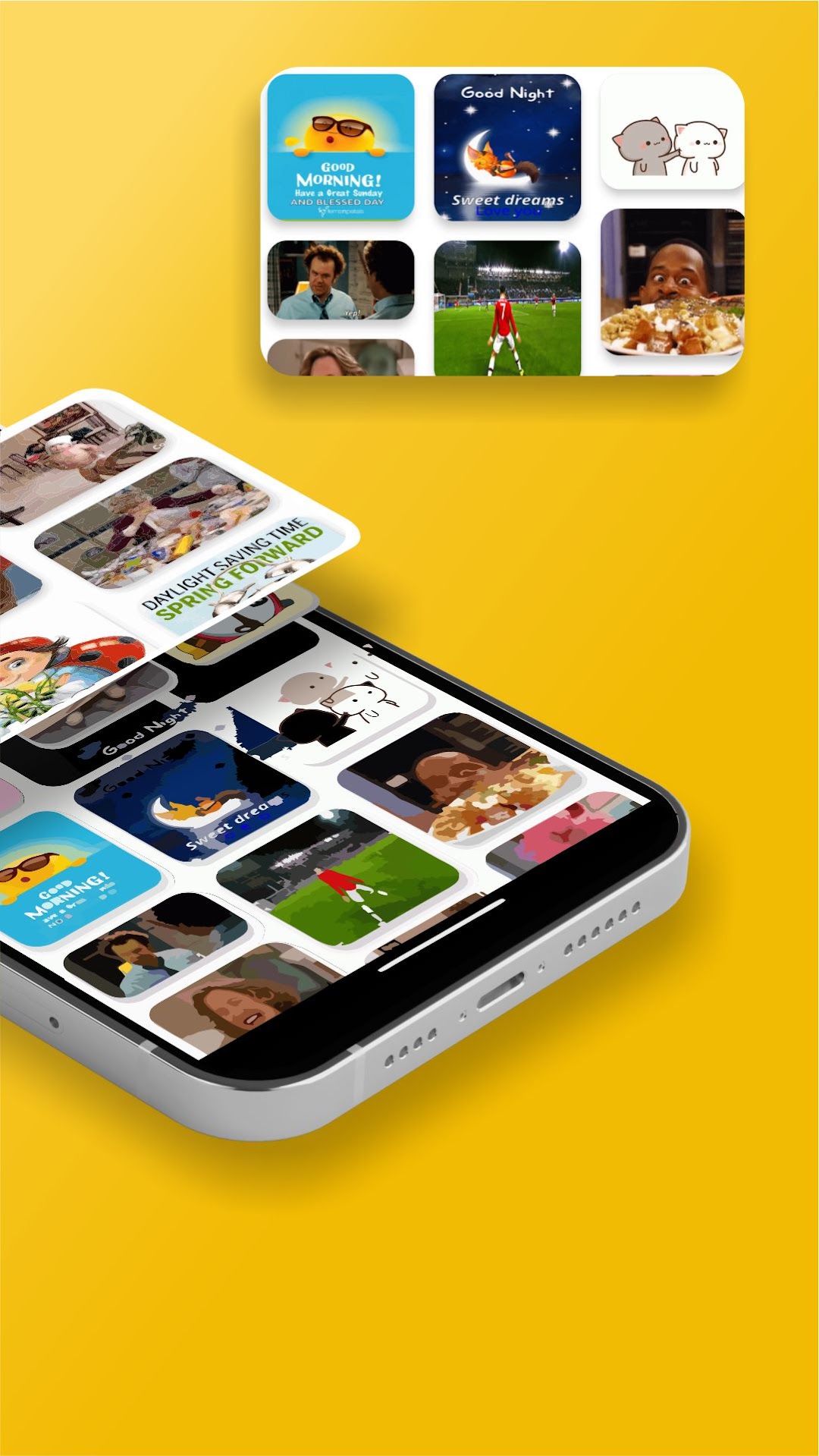
GIF STORM is a simple way to find a GIF that says what you mean. Instead of scrolling through an endless feed, you browse clear categories such as trending, funny, love, reactions, greetings, good morning and good night, or search with a keyword or hashtag. When you find the right one, it opens full screen in HD and is ready to share in a tap.
The GIF library and search are powered by KLIPY, a third-party GIF service, so new GIFs appear regularly without you needing to update the app.
Who it’s for
It’s for anyone who likes to reply with a GIF: friends in group chats, families sending morning wishes, and people who want a quick reaction for social media. It’s also handy if your keyboard’s GIF search doesn’t find what you’re looking for, since the categories make browsing easy.
How to use it
- Open the app and browse the categories on the home screen, or tap search.
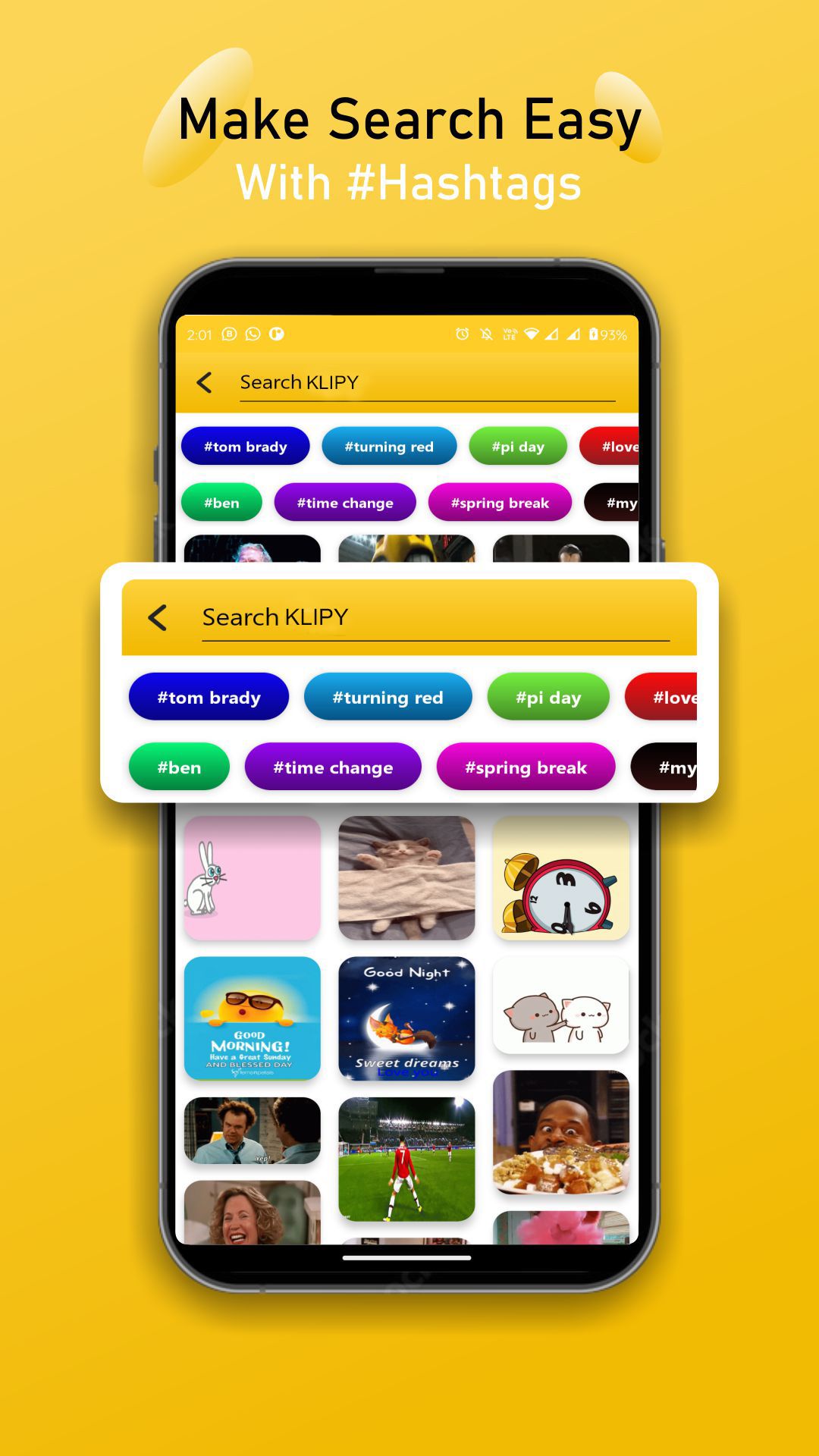
- Type a word such as “thank you” or “birthday”, or tap one of the suggested hashtags.
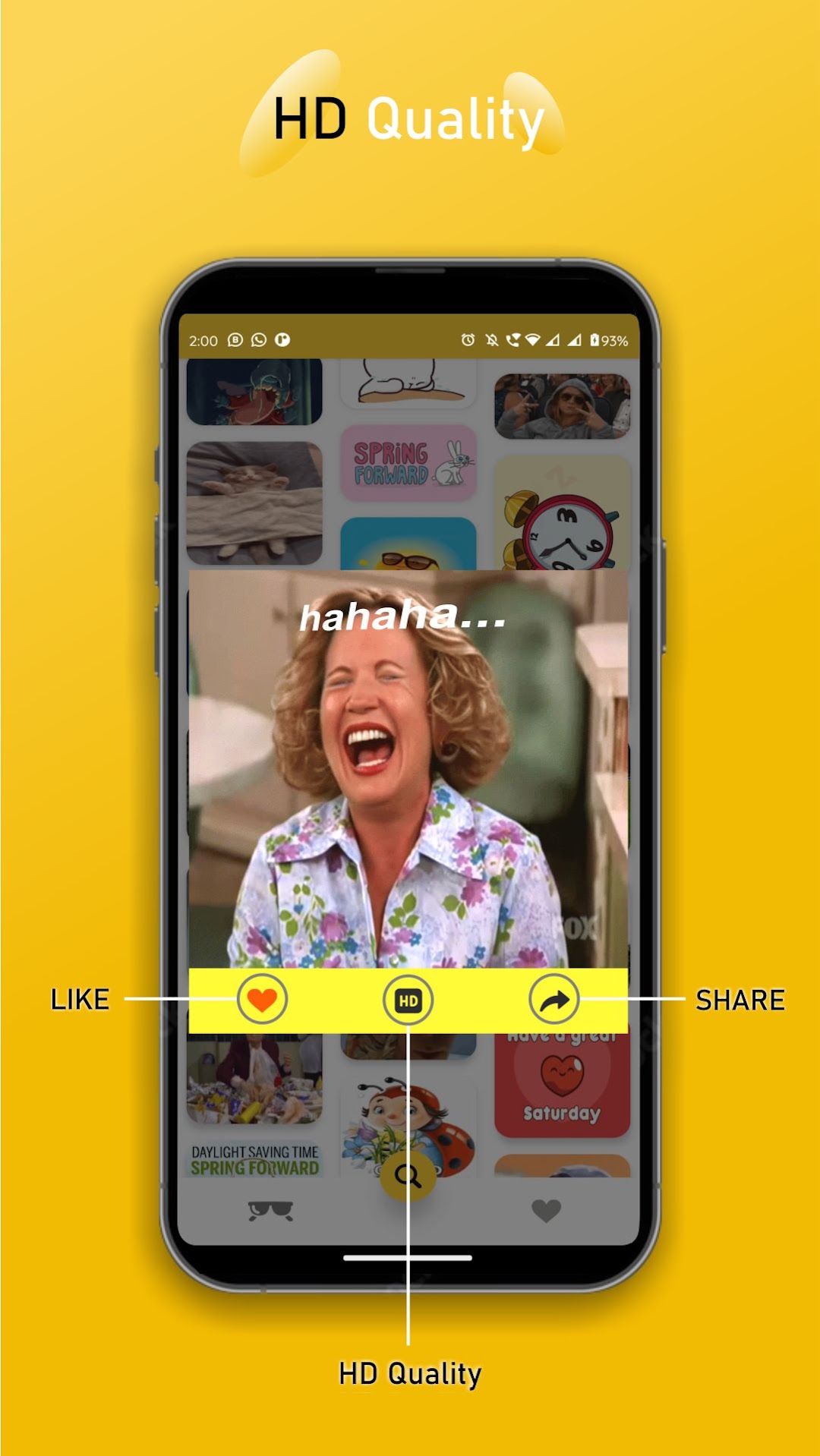
- Tap a GIF to open it in HD. Like the ones you enjoy so they’re easy to find again.
- Tap share and pick WhatsApp, Instagram or any other app on your phone, or save the GIF to your device.
- If you’re on mobile data, switch to the lower quality option to load GIFs faster.
Because GIFs are loaded live, the app needs an internet connection. GIFs are provided by KLIPY, and their content belongs to their respective owners.
Screenshots
Images from the app's Google Play listing. Scroll sideways to see them all.
Frequently asked questions
Where do the GIFs come from?
GIF STORM shows GIFs from KLIPY, a third-party GIF library. We don't create or own the GIFs; KLIPY provides them along with the categories and search results.
How do I share a GIF on WhatsApp or Instagram?
Tap a GIF to open it, then tap the share button and choose the app you want to send it to.
Can I save a GIF to my phone?
Yes. Open a GIF and save it to your device so you can use it later.
Does it use a lot of mobile data?
GIFs are loaded from the internet, so the app needs a connection. To use less data, choose the lower quality option instead of HD.
Is GIF STORM free?
Yes. It's free to download and use, and it's supported by ads.
How do I get help or report a problem?
Email [email protected] with the app's name, your phone model and a short description of the problem. We reply within 2 business days.