Word Flick Vocabulary Game
A swipe-to-solve English word puzzle that builds your vocabulary every day.
- Educational
- English
- 100+ downloads on Google Play

Free to download · Contains ads
Learn new English words while you play
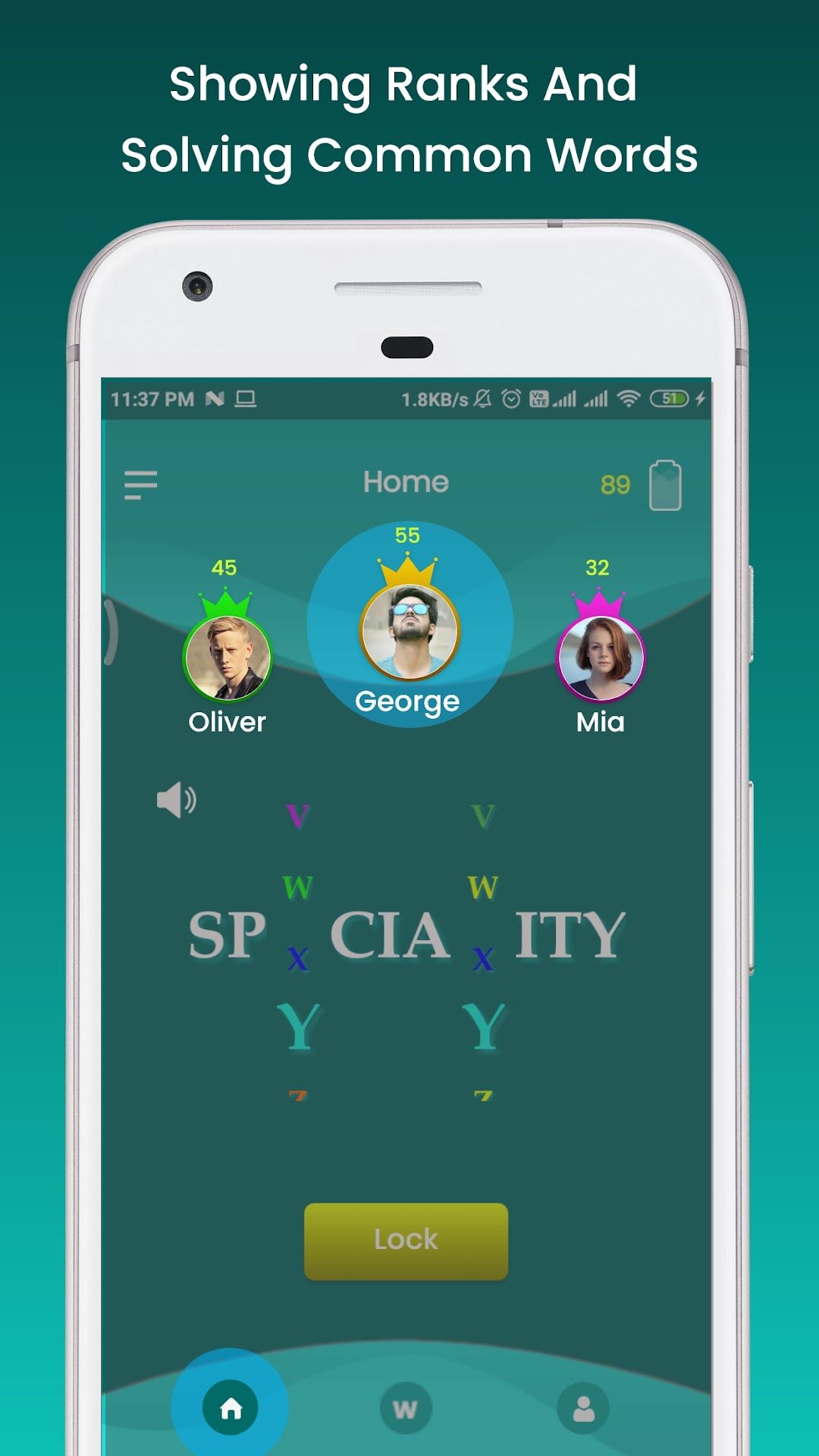
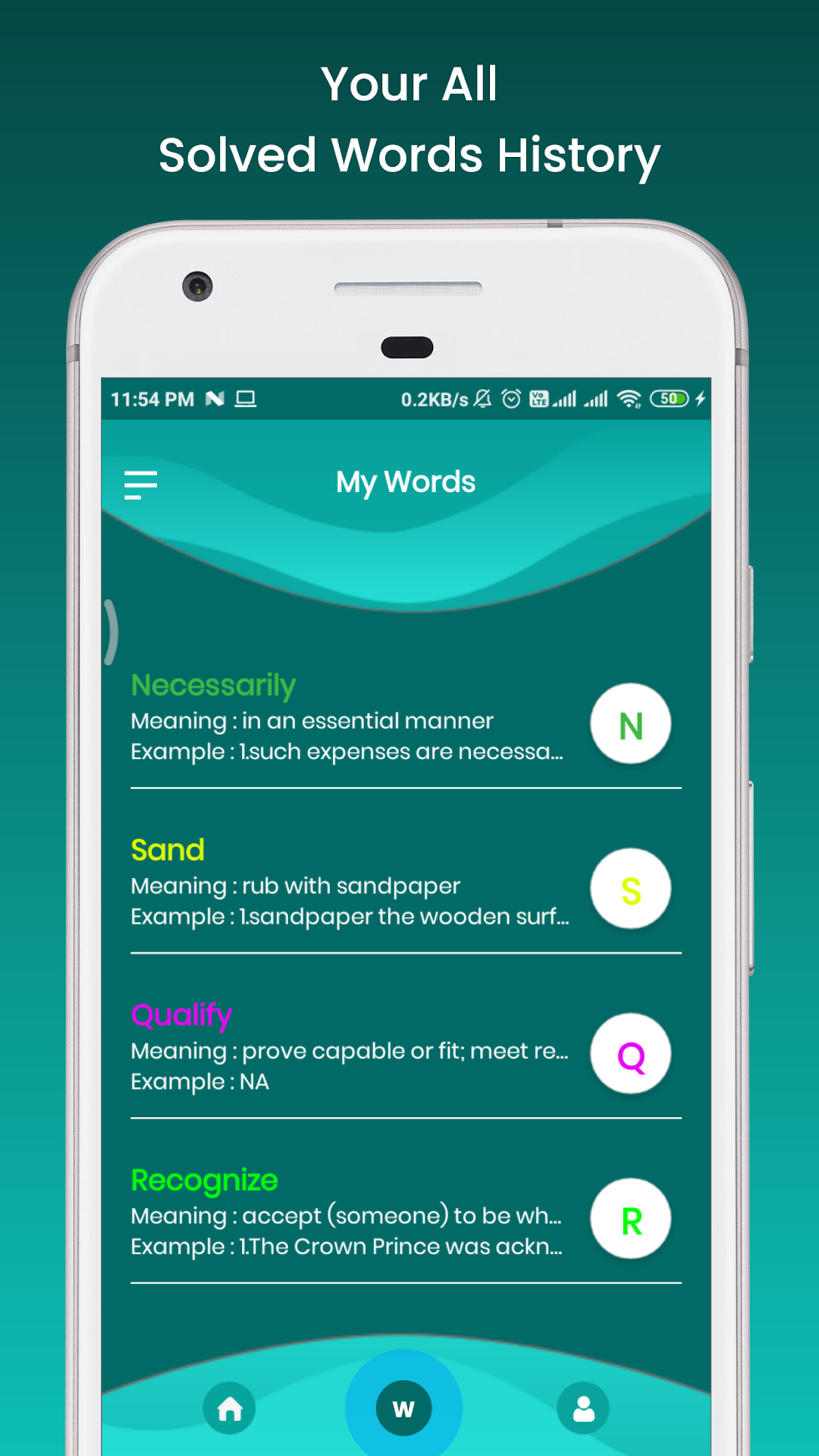
Word Flick turns vocabulary practice into a quick puzzle. Each round shows an English word with some letters missing. You flick the letter wheels up and down until the word is complete, and you can tap to hear the word pronounced, so you learn how it sounds as well as how it’s spelled. Every word you solve goes into your My Words list with its meaning and an example sentence, giving you a personal glossary to review.
The words focus on common English used in daily life, which makes the game useful practice for speaking and writing, not just for puzzles.
Who it’s for
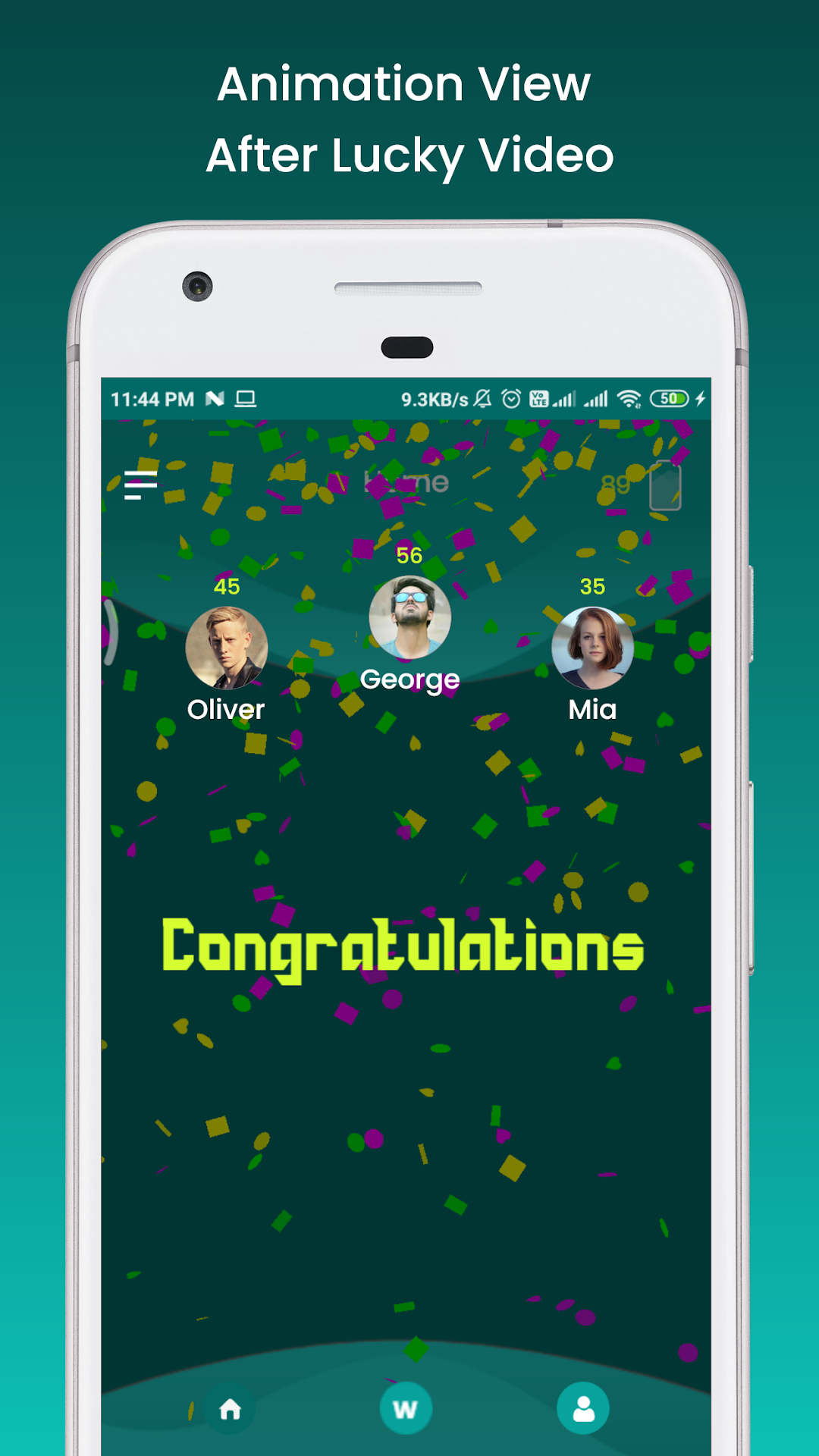
It suits English learners of any age, students preparing for exams or interviews, and anyone who enjoys a short brain-teaser. Because a round takes only a minute or two, it fits into a break or a commute. Players who like a little competition can sign up and try to reach the top three rankings shown on the home screen.
How to use it
- Install the app and start as a guest, or sign up with your email address to save your progress and appear on the leaderboard.
- On the home screen, flick each letter wheel up or down to fill the gaps in the word.
- Tap the speaker to hear the word, then tap Lock to check your answer.
- Open My Words to review every word you’ve solved, with its meaning and an example.
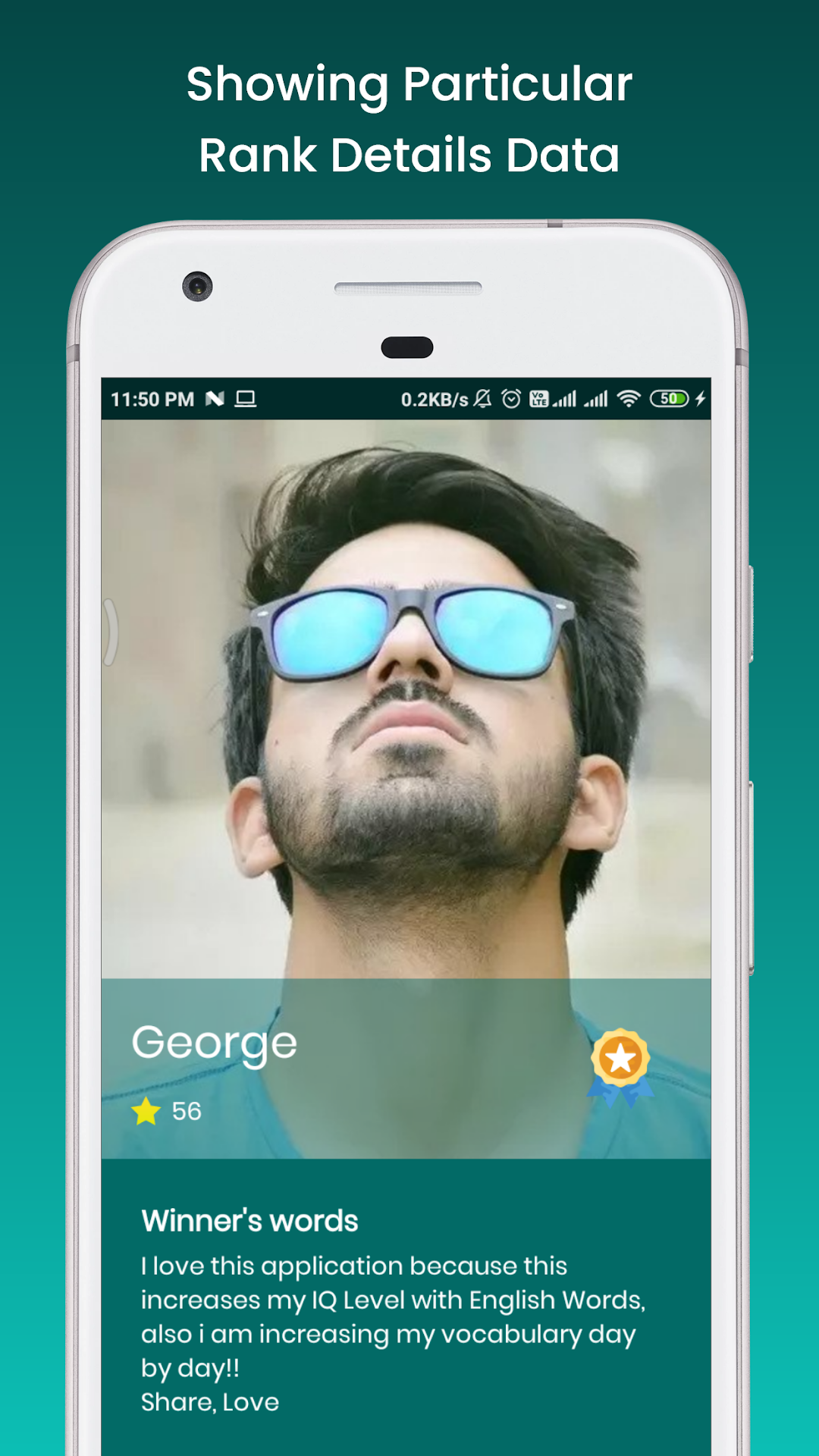
- If you have an account, edit your profile to add a username, photo and status.
Try reading each new word aloud and using it in a sentence of your own. It’s a simple habit that helps new vocabulary stick.
Screenshots
Images from the app's Google Play listing. Scroll sideways to see them all.
Frequently asked questions
How do I play?
Each puzzle shows a word with missing letters. Flick the letter wheels up and down until the word is complete, then tap Lock to check your answer. You can listen to the word to hear how it's pronounced.
Do I need to create an account?
No. You can play as a guest. Signing up with an email address unlocks the full features, including a profile, stars and a place on the leaderboard.
Can I play offline?
Yes, the puzzles work offline. Signing in, updating your profile and seeing the latest rankings need an internet connection.
How do I delete my Word Flick account?
Follow the steps on our account deletion page, grindstonestudio.com/delete-account/. Email us from the address you signed up with and we'll delete your account and its data.
Is the game free?
Yes. Word Flick is free to play and supported by ads.
How do I get help or report a problem?
Email [email protected] with the app's name, your phone model and a short description of the problem. We reply within 2 business days.